

Your desk is not just a workspace — it’s your daily environment. A clean, intentional desk setup improves focus, mood, and creative energy.
Stickers are one of the simplest ways to personalize your desk without clutter. Here’s how to do it properly.
Minimal Laptop Sticker Layout

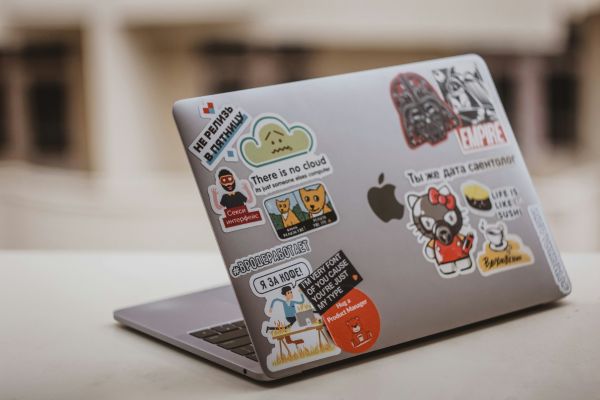
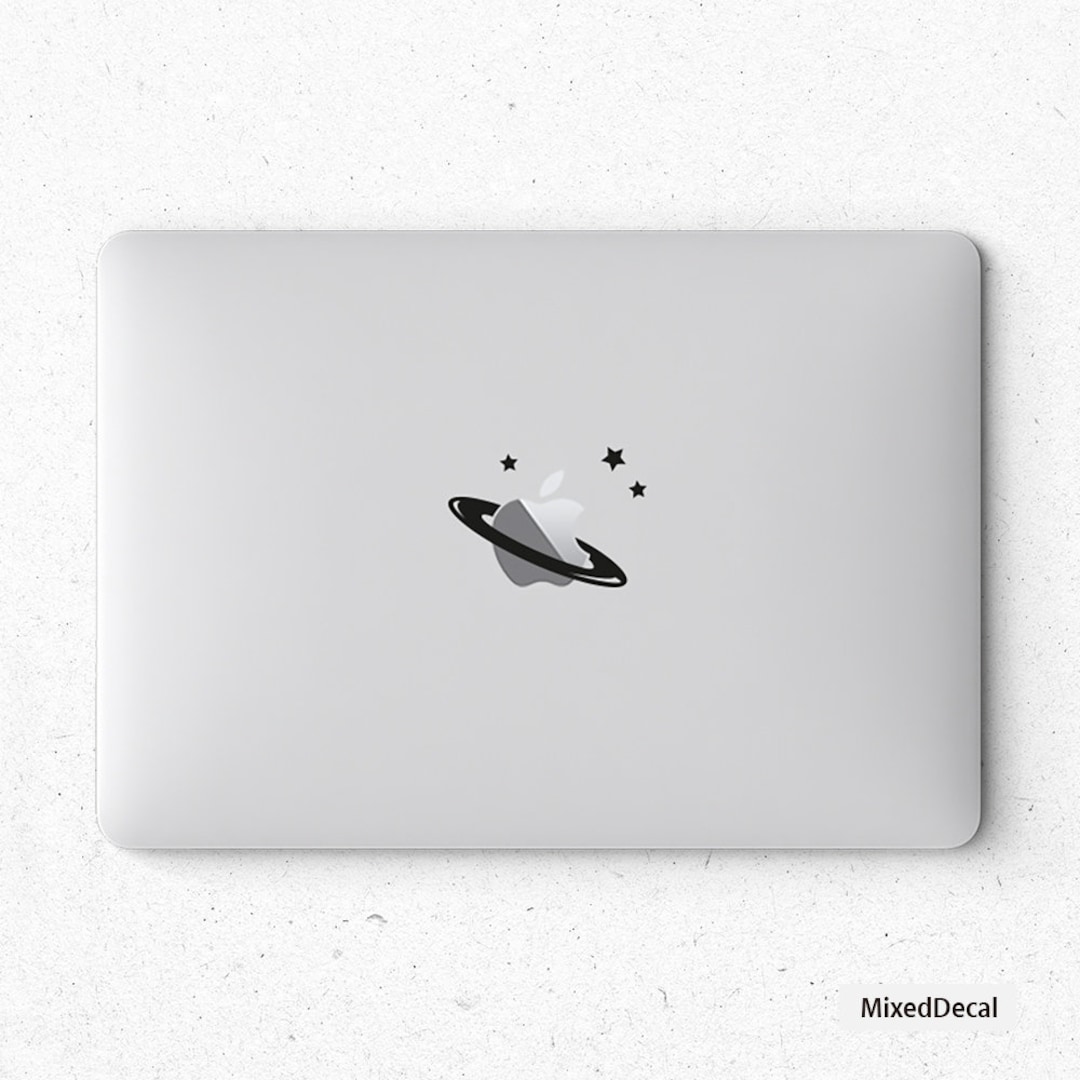

Best for: Students, designers, remote workers.
Tips:
-
Use 3–5 stickers maximum
-
Maintain negative space
-
Stick to one theme (tech, quotes, monochrome)
-
Avoid overlapping too much
Overcrowding kills aesthetic.
Desk Organizer Personalization

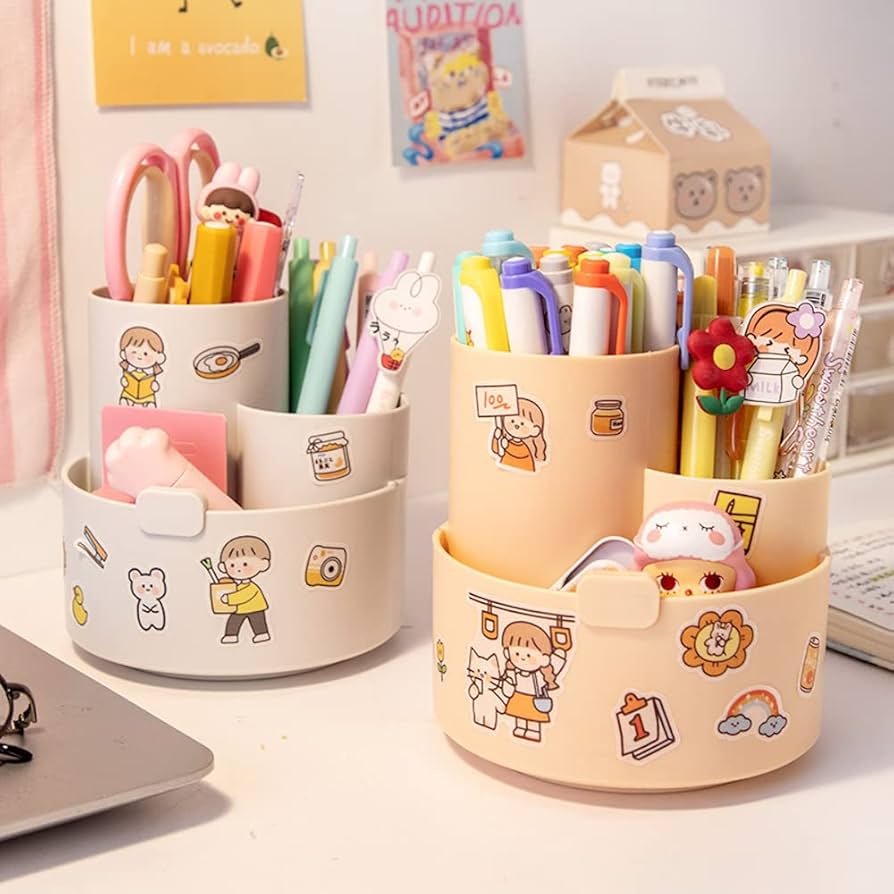
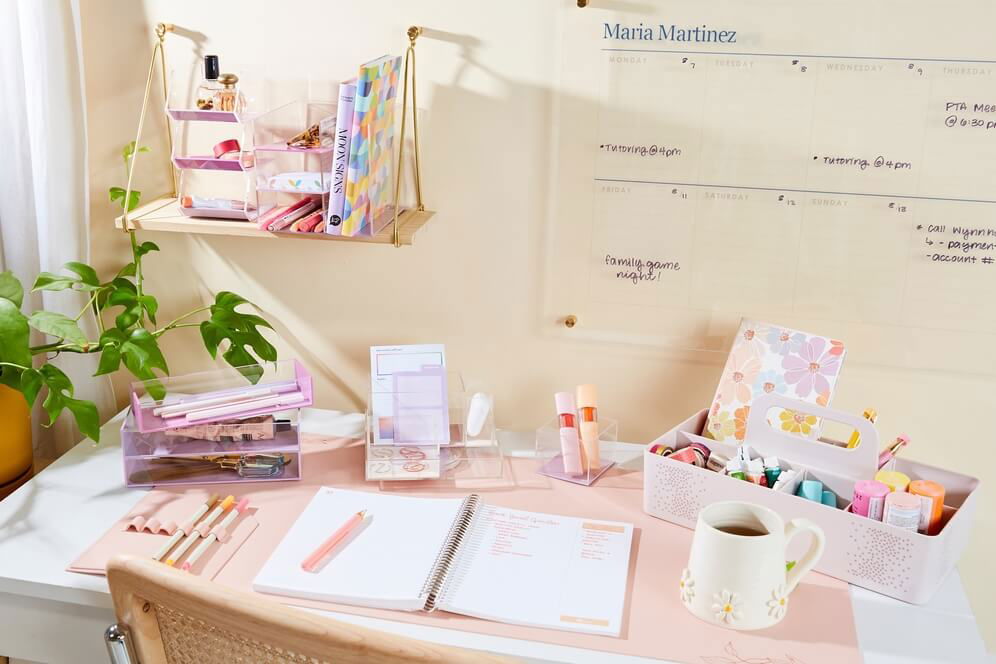

Apply stickers to:
-
Pen holders
-
Storage boxes
-
Monitor stands
-
Journal covers
Keep color palette consistent with your desk theme.
Wall + Desk Coordination

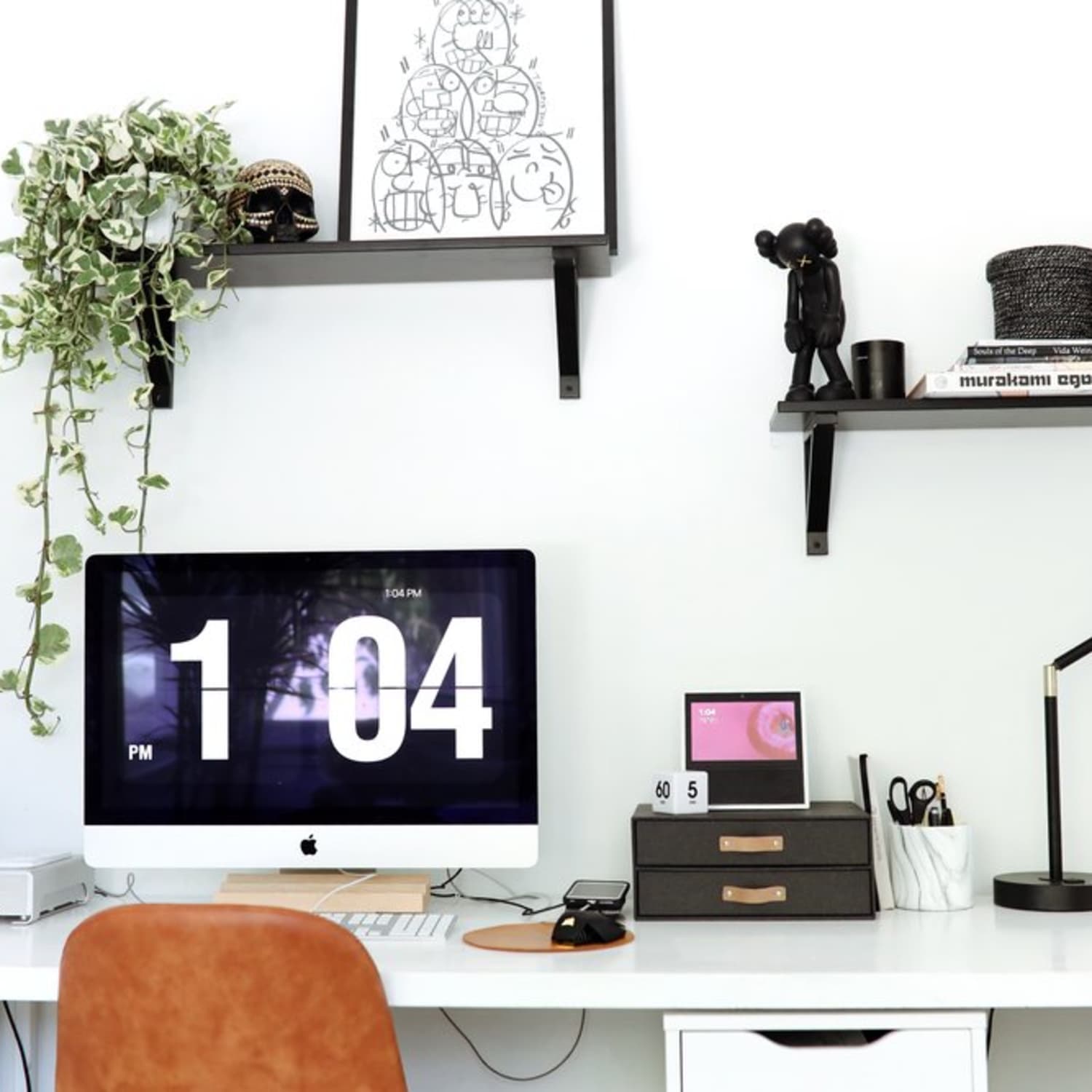

For a cohesive look:
-
Match sticker colors with wall posters
-
Keep tone consistent (minimal / pastel / dark mode)
-
Avoid mixing too many fonts
A coordinated setup looks premium.
Tech-Themed Desk Setup
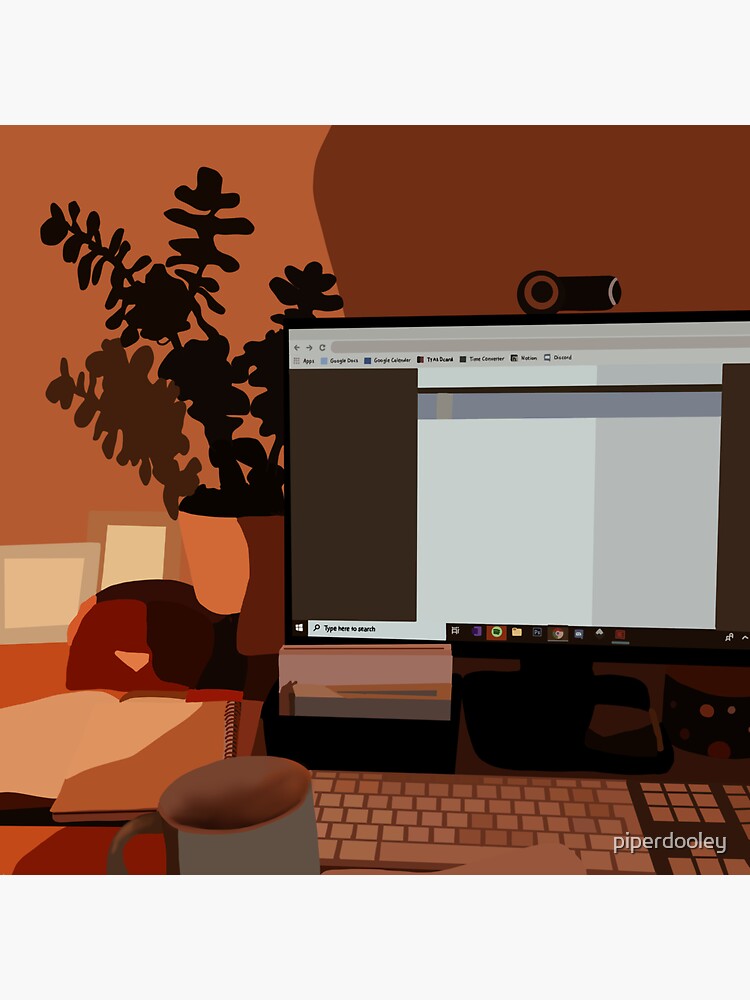

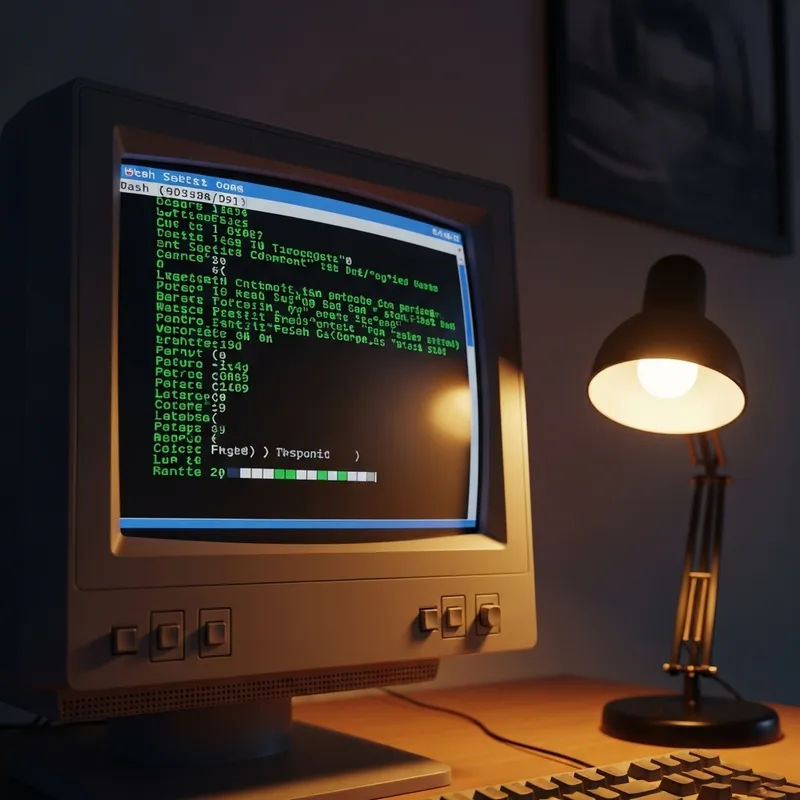
Great for:
-
Developers
-
Founders
-
Startup teams
Use:
-
Terminal-style stickers
-
Monochrome icon stickers
-
Subtle typography
Clean. Sharp. Intentional.
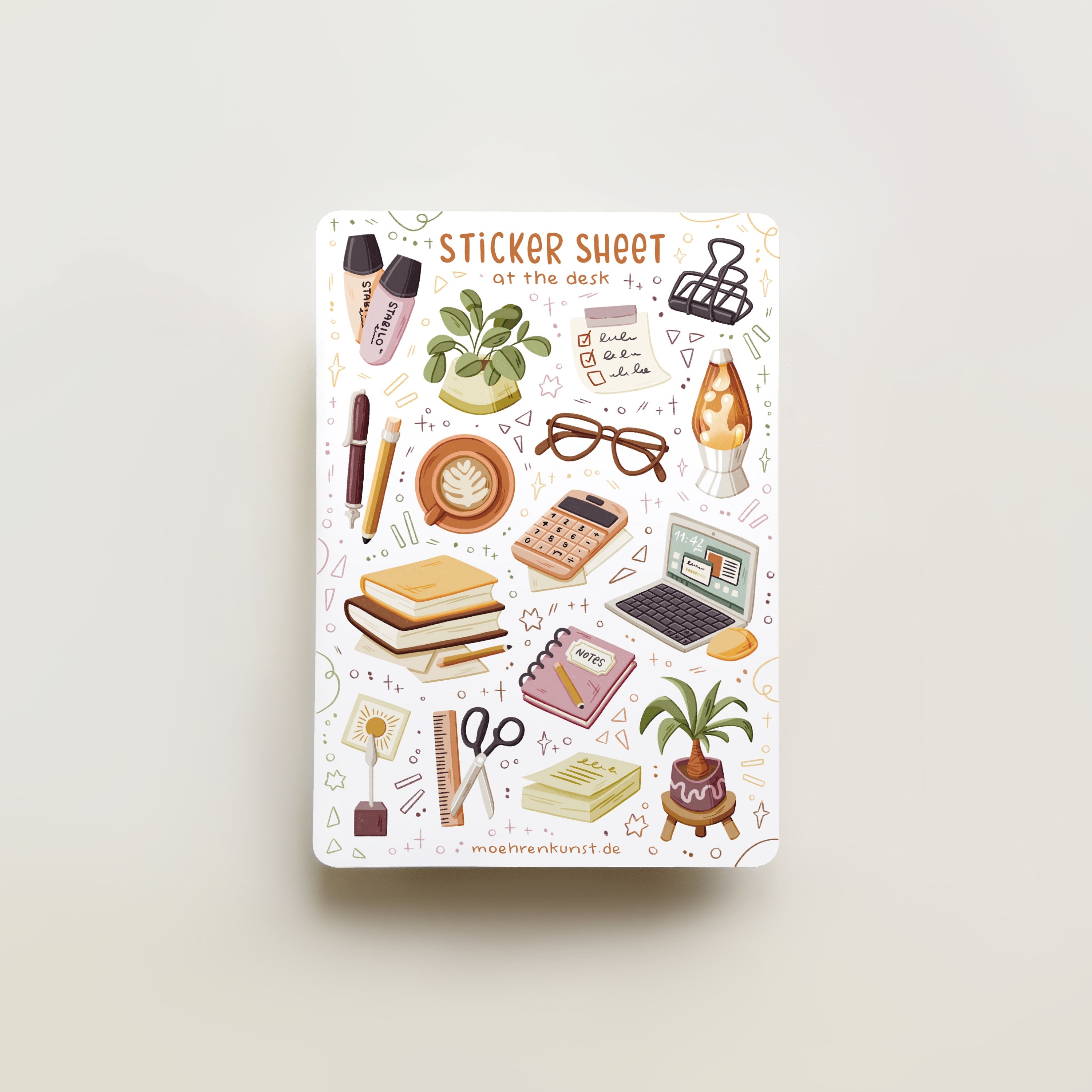
Soft Pastel Study Setup

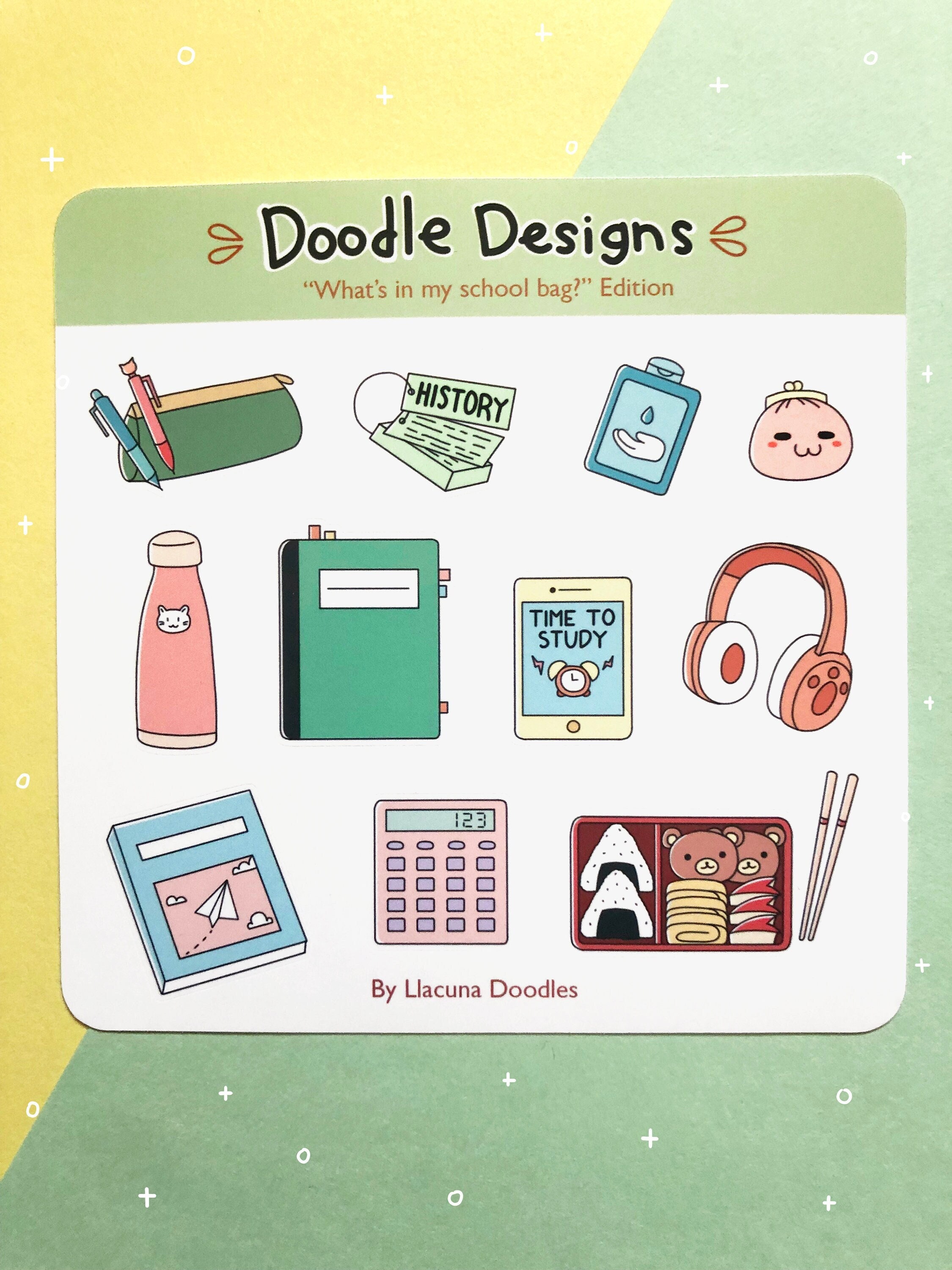


Use:
-
Soft colors
-
Rounded shapes
-
Small illustrated stickers
Avoid large aggressive graphics in soft setups.
Sticker Placement Rules (Important)
✔ Leave breathing space
✔ Don’t block laptop ventilation
✔ Clean surface before applying
✔ Use quality vinyl (no peeling edges)
✔ Avoid too many mixed themes
Minimal > clutter.
Ideal Quantity for Aesthetic Setup
-
Laptop: 3–5 stickers
-
Desk items: 2–4 accents
-
Wall area: Balanced with 1–2 posters
Less but better.
Why Stickers Are Perfect for Desk Styling
-
Affordable upgrade
-
Easy to replace
-
No permanent commitment
-
Reflects personality instantly
Unlike furniture, stickers are flexible design elements.
Final Tip for Clean Aesthetic
Choose a theme first:
-
Dark mode tech
-
Neutral minimal
-
Pastel soft
-
Monochrome typography
Then buy accordingly.
Random purchases create chaos.