

If you write code daily, your desk is not decoration. It’s a performance environment. The difference between a cluttered desk and a clean developer setup is mental bandwidth. Fewer distractions = better deep work.
Here’s how to design a developer desk that feels intentional.
Dark Mode Everything


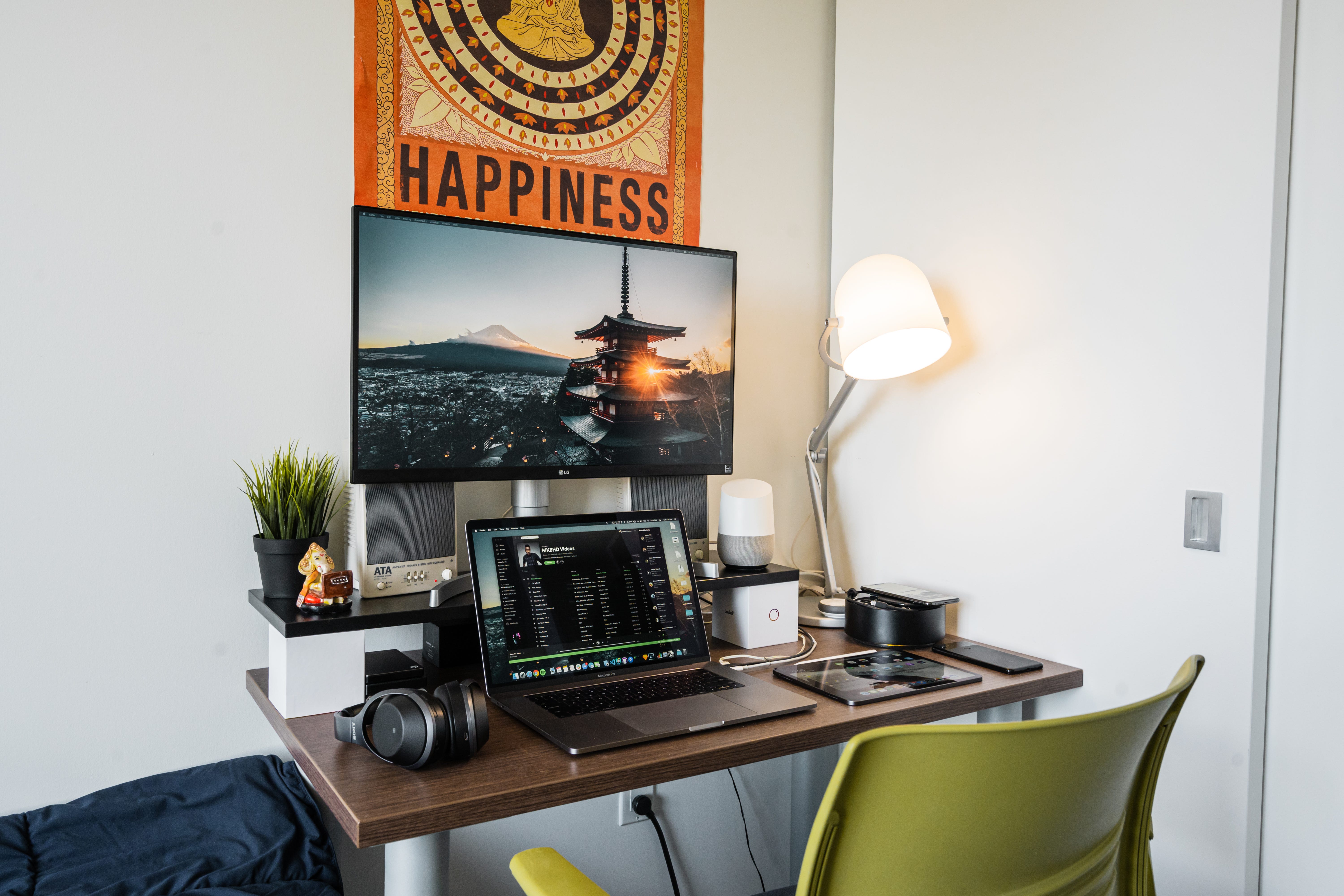
Most developers prefer:
-
Dark UI
-
Neutral color palette
-
Minimal accessories
-
Matte finishes
Keep your desk colors within: Black, grey, white, deep blue, consistency matters.
Keep Hardware Clean & Intentional
-
Mechanical keyboard (minimal keycaps)
-
Clean mouse pad (no patterns)
-
Single monitor or dual symmetric layout
-
No random desk toys
Every object should justify its presence.
Subtle Personality Through Stickers
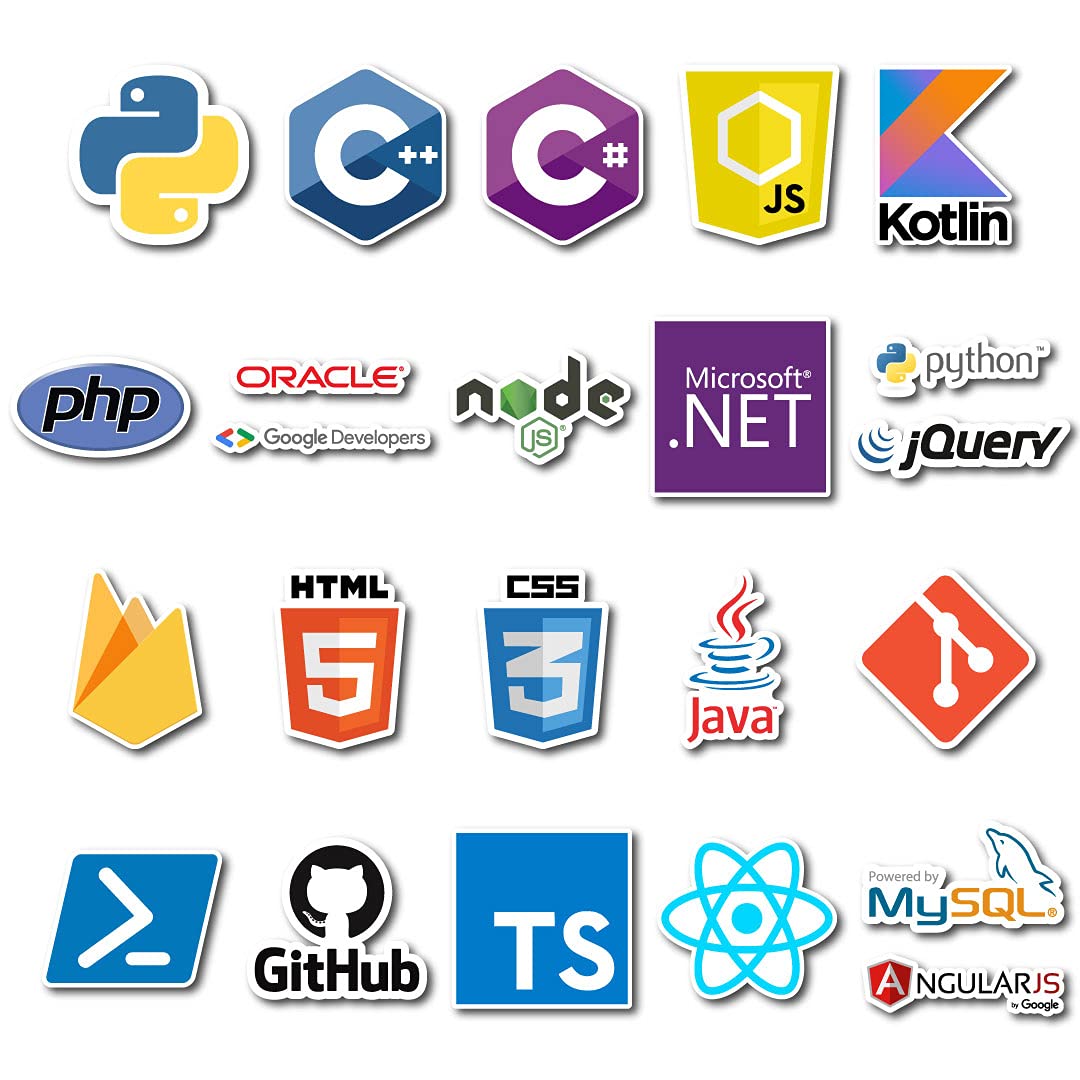


This is where most developers go wrong.
They either:
-
Overload laptop with 20 random stickers
or -
Avoid any personalization
The sweet spot?
3–5 sharp, theme-consistent stickers.
If you like terminal aesthetics, command-line culture, and clean monochrome energy, a terminal-inspired sticker drop fits naturally into this setup.
For example, pieces like the Terminal Mode Sticker Drop from PopitDaddy work because:
-
Monochrome
-
Minimal typography
-
Clean edges
-
No childish graphics
It blends with developer setups instead of looking decorative.
You can check it here:
https://www.popitdaddy.com/products/terminal-mode-sticker-drop?variant=45260119179401
Notice how it complements dark-mode desks rather than disrupting them.
Wall Above Desk — Keep It Controlled


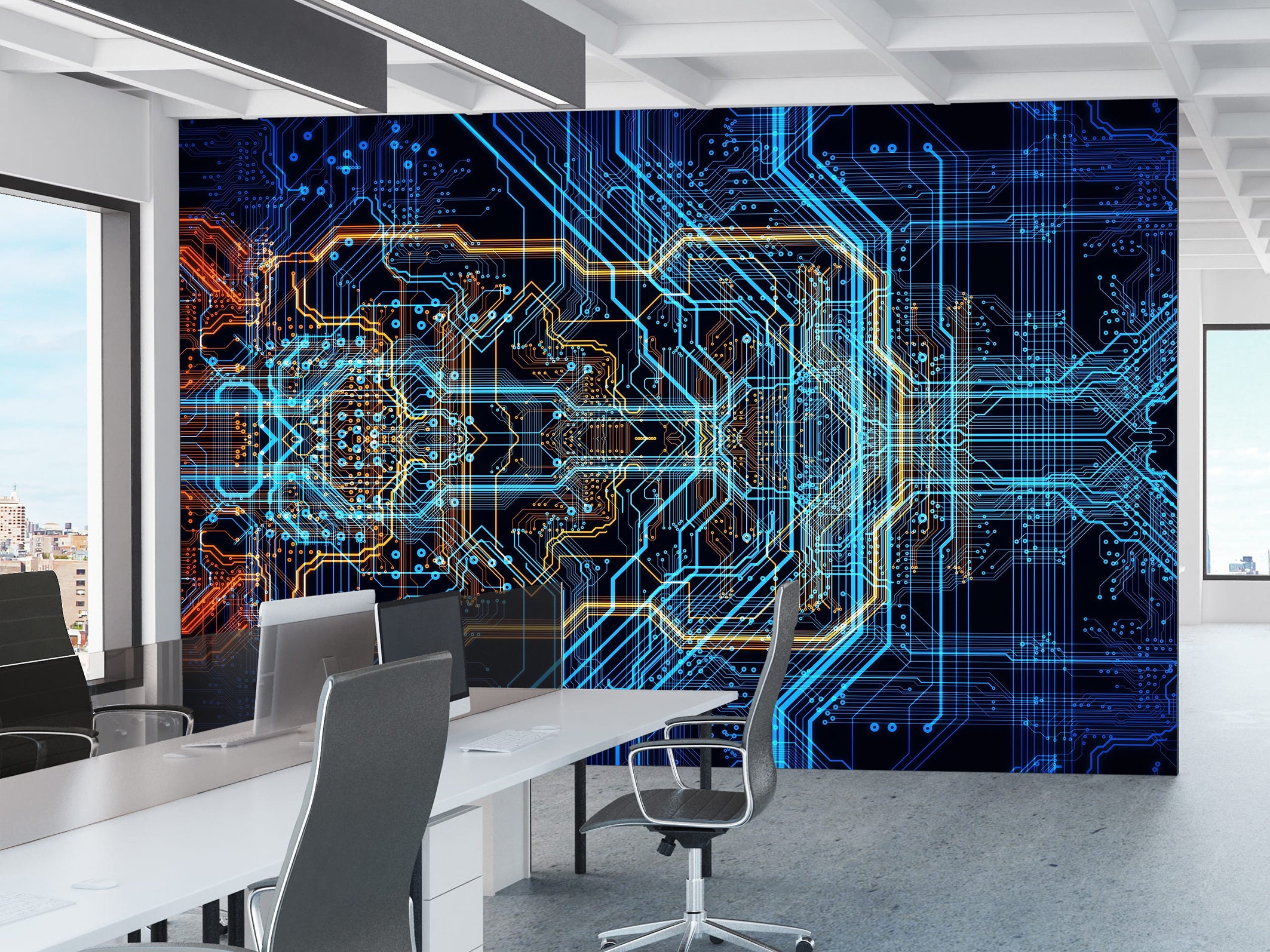

If you add wall decor:
-
One A3 poster max
-
Clean typography
-
No loud gradients
For example, pairing subtle developer stickers on your laptop with a minimal typography poster above your desk creates cohesion.
(You can explore minimalist poster options in our Wall Poster Collection for matching aesthetics.)
The goal is theme alignment.
Cable Management = Professional Energy
No aesthetic works if cables are chaotic.
-
Use cable sleeves
-
Hide power strips
-
Keep desk surface open
Minimal setup is about discipline, not emptiness.
Lighting Makes or Breaks It
-
Warm desk lamp for evening coding
-
Soft ambient light
-
Avoid RGB overload (unless you're intentionally gaming aesthetic)
Developers building serious products don’t need nightclub lighting.
The 5-Item Rule for Clean Developer Desks
Limit visible surface items to:
-
Laptop / Monitor
-
Keyboard
-
Mouse
-
Notebook
-
One personality element (like a minimal sticker set)
Everything else lives in drawers.
Why Stickers Matter More Than You Think
They are micro-identity signals.
-
They show what you build
-
They show how you think
-
They signal culture
But they should whisper, not shout.
That’s why clean terminal-style stickers work better than loud graphics in a professional setup.
Final Thought
A developer desk should feel:
Focused
Calm
Sharp
Intentional
Not cluttered.
Build your environment the same way you build your code — minimal, clean, and purposeful.